University Shuttle Software: Capacity Limits, ADA Access and Semester Scheduling
University shuttle software should do five jobs: cap riders to real vehicle capacity, reserve accessible seats, change timetables with the academic calendar, show students a live map, and report ridership by campus. Shuttle.Software covers seat-level capacity, wheelchair-space allowances, timetables, live tracking and QR boarding for operators running campus loops.
What do university shuttle programs actually need from software?
A campus program is different from an airport run. Demand spikes at class changes, parking is scarce, riders are mostly students with phones, and the fleet must grow and shrink with the academic year. A generic booking tool fails on the first Monday of term.
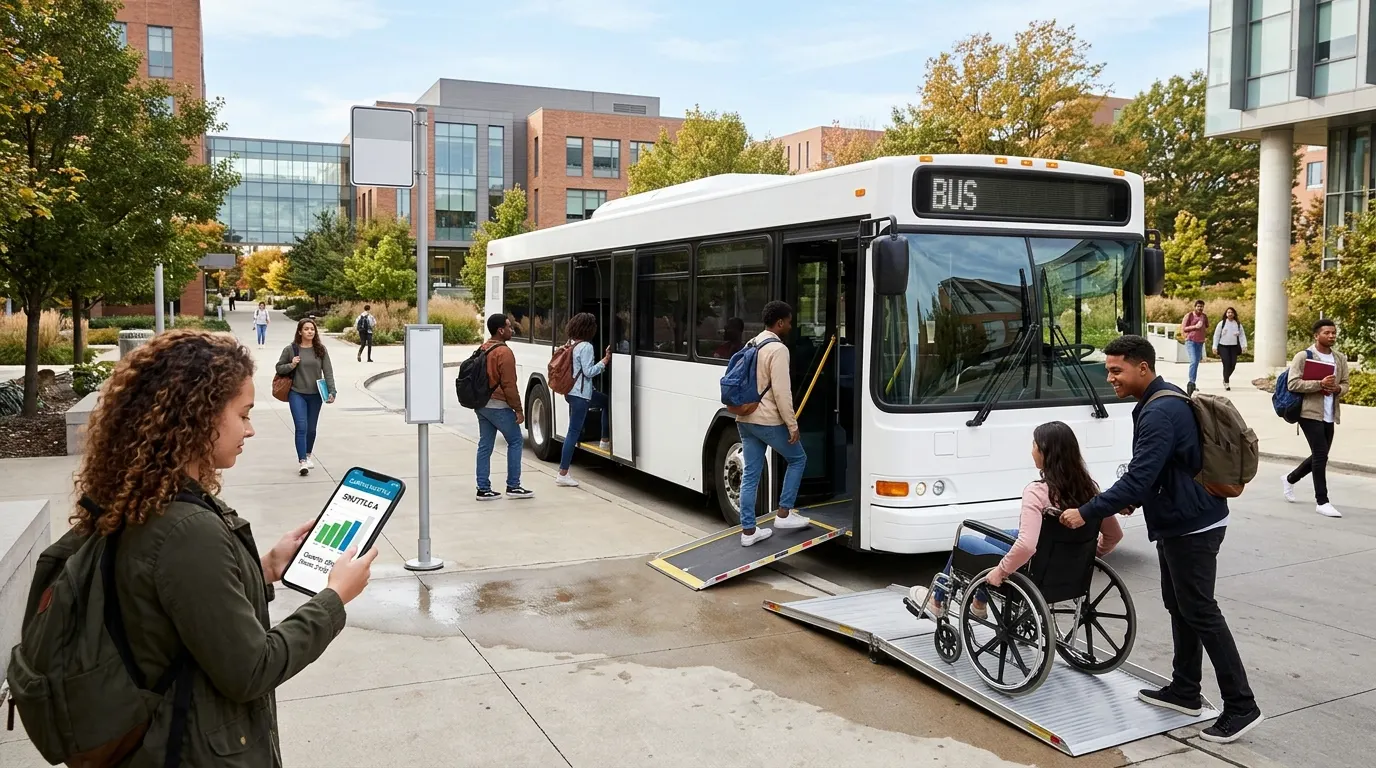
The checklist below is the one we would use to judge any vendor, including ourselves.
- Live seat capacity so a full shuttle stops accepting riders.
- Accessible-seat handling that is separate from general seats.
- A rider app or web link with live vehicle position and ETA.
- Timetables that change by term, week and day type.
- Reporting by route, stop, campus and time of day.
- One invoice or export per department or campus for billing.
How do real-time rider capacity limits work?
The software holds a seat count for each departure. Every booking or QR check-in reduces it, and when it reaches zero the departure stops selling. That gives you a hard cap, not an estimate, and it protects both comfort and any occupancy limit your campus sets.
See the mechanics in our guide to shared shuttle booking software, and the per-seat model in shuttle reservation system.
How should accessible vehicles and seats be handled?
Shuttle.Software treats luggage, child seats and wheelchair spaces as their own allowances, so a wheelchair space is held for the passenger who needs it and cannot be sold as a general seat. The operator still decides which vehicles are accessible and assigns them to runs.
Legal accessibility duties differ by country, institution and contract, so confirm what your program must provide with your compliance office before you publish a timetable. Software records and enforces your rules; it does not replace them.
How do you scale a campus shuttle up and down across the academic year?
Treat the year as four schedules: term time, exam weeks, breaks and summer. Build each as a timetable, then activate it by date so frequency rises when demand does and falls when campus empties. Review ridership by hour after the first two weeks of each term and adjust.
| Period | Typical pattern | What to adjust |
|---|---|---|
| Term time | Peaks at class changes | Shorter headways at 8:00, 12:00, 17:00 |
| Exam weeks | Early and late demand | Extra evening runs, library loop |
| Breaks | Low, airport-heavy | Fewer loops, add booked airport runs |
| Summer | Events and camps | Charter-style bookings and one-off trips |
What about multiple campuses and consolidated billing?
Multi-campus programs need each campus to run its own loops while one team sees the whole fleet. On the Fleet plan, multi-base operations share one dispatch board and one set of reports. For billing, export trips by account or cost centre so each department receives one clean statement.
Backup coverage matters too: keep a list of spare vehicles and drivers inside the same system so a breakdown reassigns a run instead of cancelling it. See campus shuttle software for the operator view.
How do students know where the shuttle is?
Riders open a link or the branded app, see the vehicle on a live map and get a push notification as it approaches. QR boarding confirms who got on, which also feeds your ridership reports. For the details, read live shuttle tracking, ETAs and published timetables.
How much does it cost?
Starter is $99/mo for 1–3 vehicles, Growth $199/mo for 4–12 and Fleet $349/mo for 13–30, each with a one-time setup of $399, $499 or $699 and 0% booking commission. Compare against per-seat or per-trip pricing on the pricing page.
Frequently asked questions
Which providers offer campus shuttle software with rider apps, live tracking and payment collection?
Several vendors do. Shuttle.Software gives operators a branded passenger app, live tracking, QR boarding and online payment through your own Stripe account, from $99/mo with a $399 setup. Compare on capacity control, accessibility handling and billing exports.
Can software enforce rider capacity limits in real time?
Yes. Each departure has a fixed seat count; every booking or boarding reduces it, and a full run stops selling.
Does Shuttle.Software handle ADA-compliant booking?
It reserves wheelchair spaces as their own allowance so they cannot be double-sold. Legal ADA obligations depend on your program, so confirm them with your compliance office.
How do we change the schedule between terms?
Build a timetable for each period and activate it by date. Add extra runs for exam weeks and reduce frequency over breaks.
Can one team run several campuses?
Yes. The Fleet plan supports multi-base operations on one dispatch board with separate loops and reports.
Ready to move?
Shuttle.Software plans start at $99/mo with a one-time $399 setup and 0% booking commission — live in 3–5 working days.
Request a guided demo →Or explore the full shuttle booking software product page →