Migrating Off Spreadsheets to Shuttle Software
A shuttle scheduling spreadsheet works right up until the day it quietly doesn't, and the first sign is usually an overbooked van or a pickup nobody logged. If you are reading this, you probably already feel that moment coming. This guide walks through exactly how to move off the spreadsheet: the warning signs, what to export, a cutover plan that avoids double-entry, and a realistic 3 to 5 day timeline to go live.
Nothing here requires a technical background. If you can run a dispatch board on a busy morning, you can run this migration.
Signs Your Shuttle Scheduling Spreadsheet Has Outgrown the Operation
The clearest sign is simple: your spreadsheet now needs a person to prevent mistakes rather than just record them. When someone has to eyeball every row before a shift to catch a double-booked seat, the sheet has stopped being a tool and become a liability.
That risk is not hypothetical. In a review of operational spreadsheets used in real businesses, 94% contained at least one error, with an average cell error rate of 5.2% (Raymond R. Panko, University of Hawaii, "What We Know About Spreadsheet Errors", 1998). A scheduling sheet is exactly the kind of complex, formula-heavy file where those errors hide.
Here are the practical warning signs operators tell us about:
- Two bookings land on the same seat and nobody notices until boarding.
- A delayed flight means someone manually retimes pickups by text message.
- Only one person actually understands the master sheet, and they are on holiday.
- Customers cannot book online, so every reservation is a phone call or email.
- You keep separate tabs for routes, pricing, and drivers that never quite agree.
- Month-end reporting means copying numbers between tabs by hand.
If three or more of those sound familiar, the spreadsheet is already costing you money through missed seats, no-shows, and the hours you spend policing it. For the overbooking problem specifically, our guide on how to stop shuttle overbooking for good covers why real-time seat inventory solves what a shared sheet cannot.
What to Export: Routes, Customers, Recurring Bookings, and Pricing
Before you touch any software, pull your data into four clean exports. Getting this right is most of a smooth migration, because manual re-entry is where accuracy collapses. Keying the same records twice reliably introduces mistakes, so clean exports let you import once and verify, instead of typing everything by hand into a new system.
Export these four categories, each to its own tab or CSV:
| What to export | Columns to include | Why it matters |
|---|---|---|
| Routes and stops | Route name, pickup points, drop points, scheduled times | Rebuilds your service map |
| Customers | Name, phone, email, company, notes | Preserves repeat-rider history |
| Recurring bookings | Rider, route, days, seat count, standing times | Keeps regulars without re-entry |
| Pricing | Route or zone, per-seat fare, group rate, surcharges | Stops revenue leaks on day one |
A few rules that save pain later:
- Clean the data in the spreadsheet first. A bad row becomes a bad record after import, and fixing it in software takes longer.
- Standardize formats. One phone-number style, one date style, one spelling per stop name.
- Remove dead rows. Cancelled customers and retired routes do not need to migrate.
- Keep a frozen copy of each export, dated, so you have a reference point if anything looks off after go-live.
If you are also rethinking how you charge, moving to per-seat booking so you sell every seat rather than the whole van is easiest to set up while you are rebuilding your pricing table anyway.
A Clean Cutover Plan That Avoids Double-Entry
The single biggest migration mistake is running your spreadsheet and your new software at the same time. The moment both are live, every booking has to be entered twice, the two versions drift apart, and you trust neither. A one-way cutover with a hard date fixes this.
Here is the actual sequence that works:
- Pick a cutover date. Choose a lighter day of the week, not your busiest. Announce it to staff.
- Import your four exports into Shuttle.Software and spot-check them. Confirm a sample of routes, customers, and prices match the source.
- Freeze the spreadsheet 24 hours before cutover. From this point it is read-only. New bookings go into the software only.
- Enter any in-flight bookings made during the freeze window directly into the software, so nothing falls through the gap.
- Go live. On the cutover date, the booking website, dispatch board, and driver app are the system of record. The spreadsheet becomes an archive.
The reason a hard freeze beats a gradual overlap is that there is never a window where two systems both accept new bookings. That is the only way to guarantee zero double-entry.
Once dispatch is running inside the software, the day-to-day board replaces your busiest tab entirely. The live dispatch board in Shuttle.Software becomes your single view of every run, which is what that busy morning looks like in practice.
Training Drivers and Dispatch in a Single Day
You do not need a week of training to switch systems. In most migrations, drivers are comfortable after one shift and dispatch after one day, because the hard part was always the spreadsheet, not the software.
Split the training by role, because the two jobs are different:
Drivers (about an hour). The driver app is built so there is almost nothing to learn. A driver opens the app, sees their manifest, and uses QR check-in to board passengers and keep seat counts accurate. That is most of the job, and scanning each rider at the door keeps your boarding counts right without any manual tally.
Dispatch (half a day). Dispatchers need more, because they run the board: assigning vans, watching capacity, and handling delays. Walk them through creating a booking, moving a rider between runs, and reading live GPS. Then have them shadow one real shift.
A simple first-day checklist:
- Each driver logs in and completes one practice check-in.
- Dispatch creates, edits, and cancels a test booking.
- Everyone confirms they can see today's live runs.
- One person knows how to pull a daily manifest.
Because the driver app needs so little explanation, training is rarely the bottleneck. The data prep in the previous step is where your time actually goes.
Common Migration Mistakes and How to Dodge Them
Most failed migrations fail for the same handful of reasons, and all of them are avoidable. The pattern is almost always rushing the data step and skipping the test window.
- Running both systems in parallel. Covered above, but worth repeating: it is the number one cause of double-entry and lost bookings. Use a hard cutover.
- Importing dirty data. Inconsistent names, old customers, and dead routes clog the new system. Clean first.
- Skipping the spot-check. Import without verifying a sample, and small errors surface weeks later as billing disputes.
- Migrating during peak season. Move off the spreadsheet in a quieter window so you have slack if something needs a second look.
- Forgetting recurring bookings. Standing riders are easy to overlook because they are not in your daily inbox. Export them deliberately.
- No single owner. Assign one person to own the cutover day so decisions do not stall.
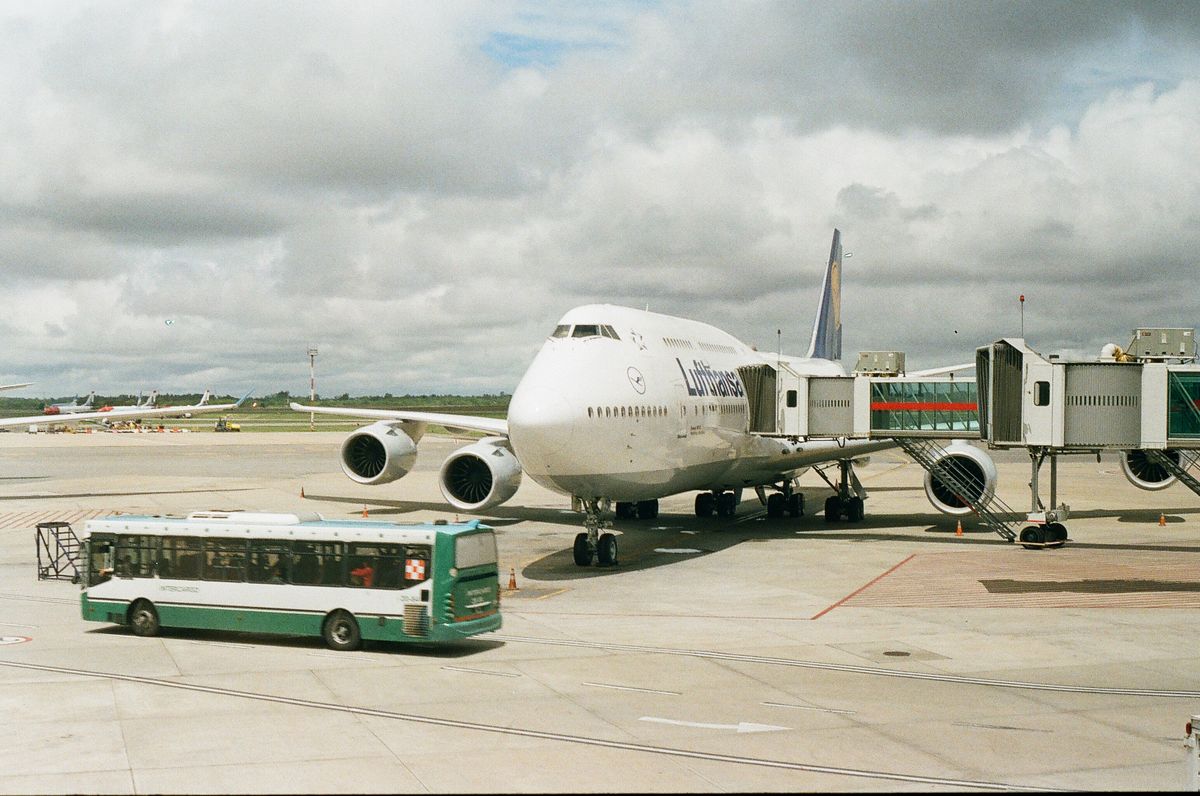
One mistake deserves its own line: ignoring flight delays if you serve an airport. On-time arrival for U.S. flights was 69.49% in July 2026, meaning roughly three in ten flights landed late (U.S. Bureau of Transportation Statistics, "Airline On-Time Statistics and Delay Causes", 2026). A spreadsheet cannot react to that. Automatic flight tracking that retimes pickups can, which is one of the clearest reasons airport operators move off manual scheduling in the first place.
Timeline: From Spreadsheet to Live Booking in 3 to 5 Days
The whole move takes 3 to 5 working days, and most of that is your data prep, not technical setup. Shuttle.Software is built to go live inside that window, so you are measuring the project in days, not months. Here is a realistic day-by-day plan.
| Day | Focus | What happens |
|---|---|---|
| Day 1 | Export and clean | Pull routes, customers, recurring bookings, and pricing. Standardize formats, remove dead rows. |
| Day 2 | Import and configure | Load the four exports, set up seat capacity per vehicle, configure the booking website. |
| Day 3 | Spot-check and test | Verify a sample of records, run test bookings end to end, confirm pricing and payments. |
| Day 4 | Train | One hour for drivers, half a day for dispatch, with a shadow shift. |
| Day 5 | Cutover and go live | Freeze the spreadsheet, enter any in-flight bookings, flip the switch. Booking website live. |
Smaller operations with clean data often compress this into three days. Operations with messy sheets or many recurring riders should plan for the full five, mostly on Day 1.
If you want to pressure-test any platform before committing, write down the questions that matter to your operation, such as how seat capacity is enforced and how imports are verified, and ask every vendor the same list before you move your data.
Your next step is small and concrete: open your current spreadsheet and build the four export tabs described above. Once those are clean, you are a few days from selling seats 24/7 instead of guarding a sheet. When you are ready to see the import and cutover in action, book a demo with Shuttle.Software and walk through it with your own data.
Ready to move?
Shuttle.Software is $99/mo flat with a one-time $299 setup and 0% booking commission — live in 3–5 working days.
Explore More →